The Tello drone, powered by DJI and Intel technology, is an ideal entry-level quadcopter for beginners, children, and STEM education due to its stable flight, intuitive smartphone controls, durable design with propeller guards, and programmability via Scratch, Python, and Swift. It features a 5-megapixel camera capable of 720p HD video with electronic image stabilization, and offers a flight time of approximately 13 minutes with a range of up to 100 meters.
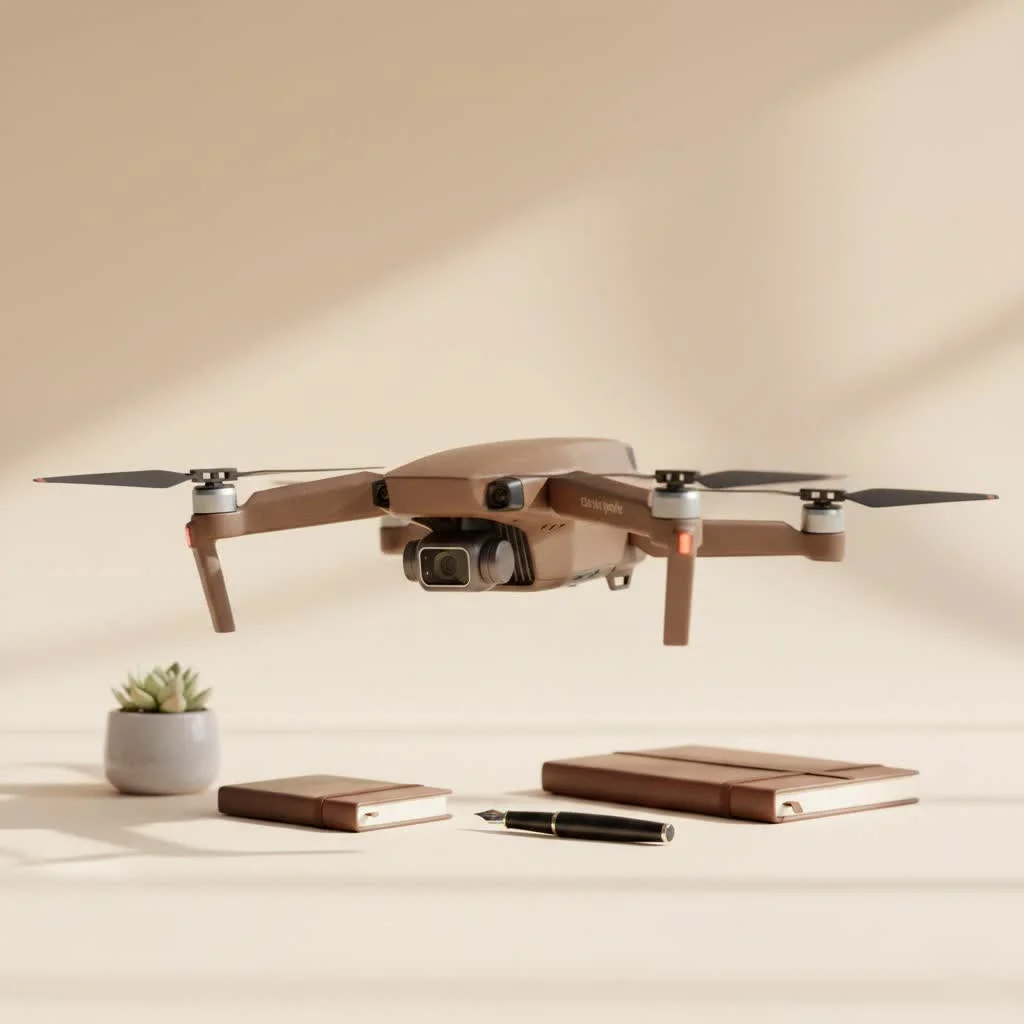
What Makes the Tello Drone So Special?
The Tello distinguishes itself as a fun, educational, and remarkably stable drone suitable for indoor and light outdoor use. Its lightweight yet durable design includes built-in propeller guards, making it resilient to the minor impacts common during the learning phase.
Designed for simplicity, the Tello is controlled directly from a smartphone app featuring a clean, intuitive interface. Setup is straightforward: connect to its Wi-Fi, open the app, and you are ready for takeoff.
“The Tello drone democratized drone flight. It took the core stabilization technology that makes expensive DJI drones so reliable and packed it into an accessible, affordable package. It’s the perfect starting point for any aspiring pilot.” – Mark Chen, Drone Technology Expert
A Closer Look at Tello’s Key Features
For its price point, the Tello is equipped with impressive features typically found in more expensive models. These capabilities elevate it beyond a simple toy to a versatile and engaging gadget.
Effortless and Stable Flight
Thanks to its DJI-powered flight controller, the Tello maintains exceptional stability in the air, hovering perfectly without user input, which significantly boosts confidence for new pilots. It also includes several automated flight modes, known as “EZ Shots,” for capturing dynamic videos with a single tap:
- Circle: The drone automatically flies in a circle around a designated subject.
- 360: The drone rotates in place to record a full 360-degree video.
- Up & Away: The drone ascends and flies backward for a dramatic reveal shot.
It even features a “Throw & Go” function, allowing users to initiate flight by simply tossing the drone into the air.
A Surprisingly Capable Camera
While not intended for professional cinematography, the Tello’s 5-megapixel camera, which records 720p HD video, is excellent for casual clips and photos. Its electronic image stabilization (EIS) is a standout feature, smoothing out video footage and reducing shakiness often seen in other drones of this size, resulting in clearer, more shareable content.
Learn to Code with Your Drone
The Tello excels as an educational tool, being fully programmable using Scratch, a block-based visual programming language developed by MIT. This enables users, particularly children, to create custom flight patterns and commands by dragging and dropping code blocks. For example, you can program the drone to take off, fly a square, perform a flip, and land, all through code. Advanced users can also program the Tello using Python and Swift, expanding possibilities for custom applications and complex automated missions.
Who is the Tello Drone For?
The Tello’s versatility makes it suitable for a broad audience, particularly excelling for specific groups.
Aspiring Pilots and Beginners
|
Our Picks for the Best Drone in 2026
As an Amazon Associate I earn from qualifying purchases.
|
||
| Num | Product | Action |
|---|---|---|
| 1 | Drone with Camera for Adults, 2K HD FPV Drones with Upgrade Altitude Hold, One-Key Take Off/Landing, Speed Adjustment, Headless Mode, 2 Batteries, Toys Gifts for Teen Boys Girls, Beginner |

|
| 2 | Drone with 1080P Camera for Beginners and Adults, Foldable Remote Control Quadcopter with Voice Control, Gestures Selfie, Altitude Hold, One Key Start, 3D Flips, 2 Batteries, Toy for Beginners |
|
| 3 | DJI Mini 3 Fly More Combo (DJI RC), Drones with Camera for Adults 4K, 3 Batteries for 114-min Flight Time, Vertical Shooting, 32800ft (10km) Video Transmission, Lightweight Mini Drone for Beginners |
|
| 4 | DJI Neo, Mini Drone with 4K UHD Camera for Adults, 135g Self Flying Drone that Follows You, Palm Takeoff, Subject Tracking, QuickShots, Stabilized Video, Built-In Propeller Guard (Controller-Free) |
|
| 5 | Drone with Camera 1080P HD FPV Foldable Drone for Adults and Beginners, RC Quadcopter with Gravity Control, One Key Take Off/Land, Optical Flow Positioning, 360° Flip, 3 Speed Mode, Waypoint Fly Grey |
|
| 6 | DJI Mini 5 Pro Fly More Combo with DJI RC 2, Drone with Camera, 1-Inch CMOS, 4K Drone for Beginners with Omnidirectional Obstacle Sensing, ActiveTrack 360°, 225° Gimbal Rotation, 3 Batteries |
|
| 7 | LỖI |
|
| 8 | DJI Mini 3 (DJI RC), Lightweight 3x Mechanical Gimbal Drones with Camera for Adults 4K, 38-min Flight Time, up to 32800ft (10km) Video Transmission, Vertical Shooting, GPS Auto Return Integrated |
|
| 9 | Drone with Camera - Drones for Adults, with 2 Batteries, Carrying Case, Propellers, 1080P HD Foldable Drone with Stable Hover, Trajectory Flight, Gravity Control, One Key Take Off/Land, 3D Flip |
|
| 10 | DJI Neo Three-Battery Combo, Mini Drone with 4K UHD Camera for Adults, 135g Self Flying Drone that Follows You, Palm Takeoff, Subject Tracking, QuickShots, Stabilized Video (Controller-Free) |
|
For individuals interested in drones but deterred by cost and complexity, the Tello serves as an ideal entry point. It teaches fundamental drone control in a low-risk, enjoyable environment, and its durability minimizes concerns about minor crashes.
Kids and STEM Education
The Tello is an outstanding STEM (Science, Technology, Engineering, and Math) resource. Its Scratch programming interface offers a hands-on, engaging method to teach coding basics. Witnessing their code control the drone provides a highly rewarding experience for young learners.
Casual Hobbyists and Indoor Fun
With a flight time of approximately 13 minutes and a range of up to 100 meters, the Tello is perfect for flying indoors or in a calm backyard. Its compact size allows navigation in tight spaces, and its propeller guards protect interior surfaces.
Getting the Most Out of Your Tello
To enhance your Tello drone experience, consider these practical tips:
- Buy Extra Batteries: The 13-minute flight time, while good for its class, passes quickly. Additional charged batteries will significantly extend your flying sessions.
- Use a Game Controller: Although the smartphone app is effective, connecting a compatible Bluetooth game controller can offer more precise, tactile control over the drone’s movements.
- Calibrate Before Flying: Always calibrate the drone’s Inertial Measurement Unit (IMU) via the app before the first flight in any new location to ensure optimal stability.
- Fly in Good Lighting: The Tello relies on a vision positioning system (a downward-facing camera) for stable hovering. This system performs best in well-lit areas with textured surfaces below the drone.
Frequently Asked Questions (FAQ)
What is the flight time of the Tello drone?The official flight time is up to 13 minutes on a fully charged battery, though real-world flight times are often closer to 10-12 minutes depending on conditions like wind.
How far can the Tello drone fly?The Tello has a maximum transmission distance of 100 meters (about 328 feet). However, for the best connection, it’s recommended to keep it within 30-50 meters.
Does the Tello drone have a good camera?The Tello has a 5MP camera that shoots 720p video. While it’s not professional quality, the electronic image stabilization makes the footage surprisingly smooth and clear for a drone of its price.
Can the Tello drone be flown outside?Yes, the Tello can be flown outside, but only in very calm conditions with little to no wind. Its lightweight design makes it susceptible to being blown around by gusts.
Do I need to register the Tello drone?In most countries, including the United States, drones weighing under 250 grams do not need to be registered with aviation authorities. The Tello weighs only 80 grams, so it falls well below this threshold. However, you should always check your local regulations.
The Final Verdict: Is It Worth It?
For its target audience, the Tello drone is an exceptional product. It successfully combines ease of use, durability, and advanced features such as programming capabilities and image stabilization into an affordable package. While it may not match the camera quality or range of premium drones, it excels as a training tool, an educational toy, and a source of enjoyable indoor entertainment. If you are looking to enter the world of drones or seeking a gift that fosters creativity and technological interest, the Tello is an outstanding choice.
Frequently Asked Questions
What is the typical flight time of the Tello drone?
The Tello drone offers an official flight time of up to 13 minutes on a fully charged battery. In real-world conditions, factors like wind and flight maneuvers can reduce this to approximately 10-12 minutes.
What is the maximum range for controlling the Tello drone?
The Tello drone has a maximum transmission distance of 100 meters (about 328 feet). For optimal connection stability and control, it is generally recommended to operate the drone within a closer range of 30-50 meters.
How good is the camera on the Tello drone?
The Tello drone is equipped with a 5-megapixel camera that records 720p HD video. While it is not designed for professional-grade cinematography, its electronic image stabilization (EIS) significantly enhances video smoothness, making the footage surprisingly clear and suitable for casual use and social media sharing.
Can the Tello drone be flown outdoors safely?
Yes, the Tello drone can be flown outdoors, but it is highly recommended to do so only in very calm conditions with minimal to no wind. Its lightweight design, weighing only 80 grams, makes it susceptible to being easily affected and blown around by gusts of wind.
Is drone registration required for the Tello in the United States?
In most countries, including the United States, drones weighing under 250 grams do not require registration with aviation authorities. The Tello drone weighs only 80 grams, placing it well below this 250-gram threshold, so registration is typically not needed. However, it is always advisable to verify current local regulations.
Get our weekly buyer guide
Practical specs, not advice. Unsubscribe anytime.
The Tello is a solid beginner drone, especially with the DJI and Intel tech behind it. I was excited about the Scratch programmability for my coding club, but getting it set up was a little more finicky than I expected. Once it’s going, it’s great, but the initial connection process could be smoother. Still, a good learning tool.
As someone new to drones, the Tello has been perfect. The intuitive app made flying it a breeze right out of the box. I’ve been using it to get some cool aerial shots of my backyard, and the electronic image stabilization really helps keep the video smooth. It’s a lot of fun for light outdoor use.
I got the Tello drone for my son’s birthday, and it’s been a huge hit! The smartphone controls are super easy for him to pick up, and I love that it has propeller guards. It’s taken a few tumbles already, but it’s still flying perfectly. Definitely recommend for any parent looking for a durable first drone.
This drone is fantastic for the price point. I was really impressed with the stability, even indoors. The 720p camera is decent for quick shots, though I wouldn’t use it for serious videography. The 13-minute flight time is a bit short, so I ended up buying an extra battery, which was a good move.