A LiDAR drone is an unmanned aerial vehicle (UAV) equipped with a LiDAR sensor, which uses pulsed lasers to measure distances and create highly detailed 3D maps of the Earth’s surface. This technology is revolutionizing industries such as surveying, agriculture, and construction by providing precise insights previously unattainable. With over 15 years in the field, I’ve seen few innovations as transformative as the LiDAR drone, which creates incredibly detailed 3D maps of the world beneath, revealing insights that were previously impossible to see.
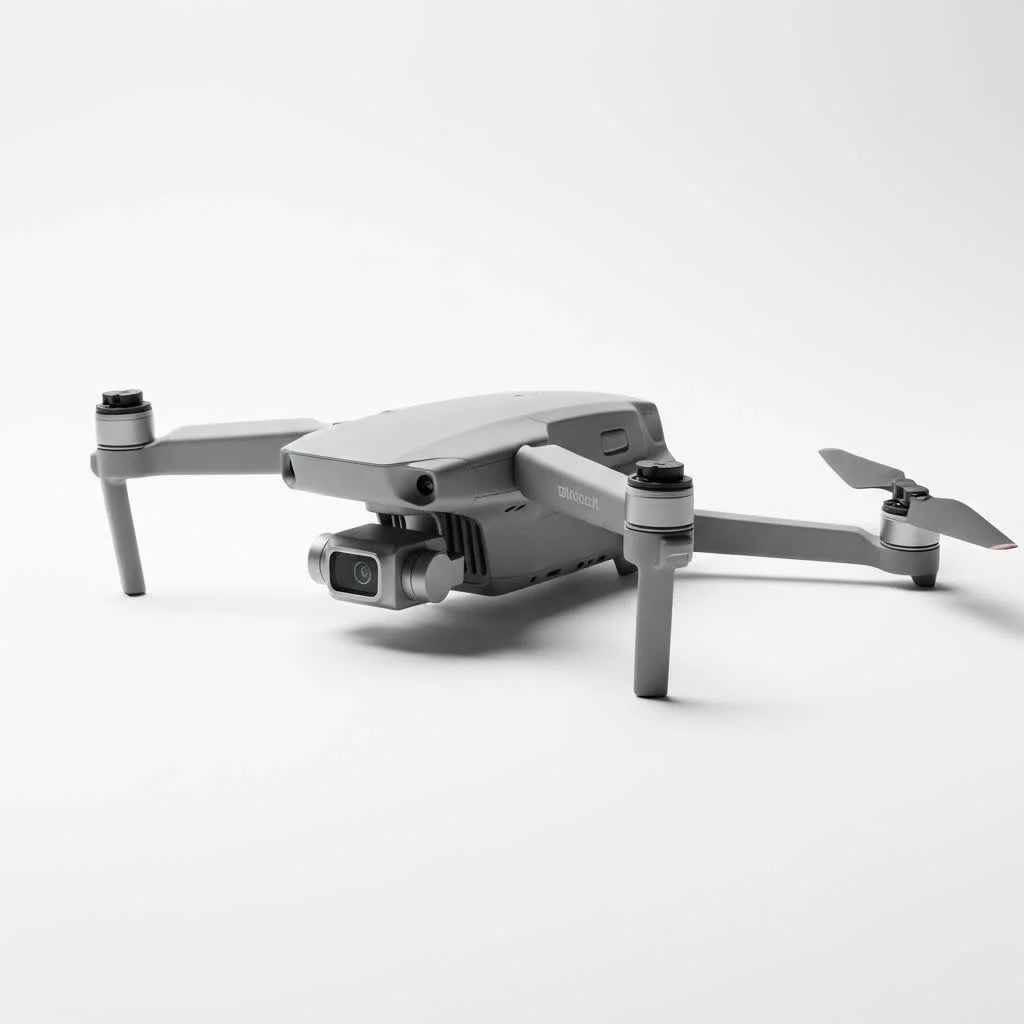
So, what exactly is a LiDAR drone, and how is it revolutionizing industriesLet’s dive in and explore the technology that allows us to see the world in a completely new dimension. For shop curated consumer on this site.
What is a LiDAR Drone and How Does It Work?
A LiDAR drone is an unmanned aerial vehicle (UAV) equipped with a LiDAR sensor. LiDAR, which stands for Light Detection and Ranging, is a remote sensing method that uses light in the form of a pulsed laser to measure variable distances to the Earth.
Think of it like a bat’s echolocation, but with light instead of sound. The process is elegantly simple yet powerful:
- Pulse Emission: The LiDAR sensor fires thousands of rapid laser pulses per second towards the ground.
- Signal Return: These light pulses bounce off objects—like buildings, trees, and the ground itself—and reflect back to the sensor.
- Time Measurement: The sensor measures the precise time it takes for each pulse to travel from the drone, to the object, and back again.
- Data Calculation: By combining this time-of-flight data with the drone’s exact position (provided by an onboard GNSS/IMU system), the system calculates a precise, three-dimensional coordinate for every point the laser touched.
Collectively, these millions of individual points form what’s known as a “point cloud.” This point cloud is a highly accurate, data-rich 3D model of the surveyed area.
Key Components of a Drone LiDAR System
A complete LiDAR drone setup is more than just the drone and a laser. It’s an integrated system where each part plays a critical role in data accuracy.
- UAV (The Drone): The aerial platform that carries the payload. It needs to be stable, reliable, and capable of carrying the weight of the LiDAR system while providing sufficient flight time.
- LiDAR Sensor: The heart of the system. This unit houses the laser scanner that emits and receives the light pulses. The quality of the sensor determines the range, accuracy, and density of the data points.
- GNSS/IMU: A high-precision Global Navigation Satellite System (GNSS) receiver and an Inertial Measurement Unit (IMU) are crucial. The GNSS tracks the drone’s exact location, while the IMU tracks its orientation (roll, pitch, yaw). Together, they ensure every data point is correctly georeferenced.
- Data Storage & Processing Software: Onboard storage is needed to handle the massive amounts of data collected. Afterward, specialized software is used to process the raw point cloud, clean up noise, and classify the data points (e.g., separating ground from vegetation).
LiDAR Drone vs. Photogrammetry: What’s the Difference?
A common question I get is how a LiDAR drone differs from a drone used for photogrammetry. While both create maps and 3D models, their methods and best-use cases are distinct.
Photogrammetry uses a high-resolution camera to take hundreds or thousands of overlapping photos. Software then stitches these images together to create a 3D model.
Here’s a breakdown of the key differences:
| Feature | LiDAR Drone | Photogrammetry Drone |
|---|---|---|
| Technology | Active: Uses laser pulses | Passive: Uses reflected ambient light |
| Data Output | Direct 3D point cloud | 2D images, processed into 3D models |
| Vegetation | Can penetrate tree canopies to map the ground | Captures the top of the canopy only |
| Lighting | Can operate in low-light or at night | Requires good, consistent lighting |
| Accuracy | Generally higher vertical accuracy | Can be highly accurate but sensitive to lighting |
| Cost | Higher initial investment | Lower initial investment |
As our in-house geomatics expert, Dr. Miles Anderson, often says, “Choosing between LiDAR and photogrammetry isn’t about which is better, but which is the right tool for the job. For mapping the true ground surface under a dense forest, LiDAR is unbeatable. For creating a visually stunning, colorized 3D model of a building, photogrammetry is often the more efficient choice.”
Top Applications of LiDAR Drone Technology
The ability to create precise 3D models quickly and safely has made the LiDAR drone an indispensable tool across numerous industries.
Surveying and Mapping
|
Our Picks for the Best Drone in 2026
As an Amazon Associate I earn from qualifying purchases.
|
||
| Num | Product | Action |
|---|---|---|
| 1 | DJI Mini 3 (DJI RC), Lightweight 3x Mechanical Gimbal Drones with Camera for Adults 4K, 38-min Flight Time, up to 32800ft (10km) Video Transmission, Vertical Shooting, GPS Auto Return Integrated |

|
| 2 | LỖI |
|
| 3 | Drone with Camera - Drones for Adults, with 2 Batteries, Carrying Case, Propellers, 1080P HD Foldable Drone with Stable Hover, Trajectory Flight, Gravity Control, One Key Take Off/Land, 3D Flip |
|
| 4 | DJI Mini 3 Fly More Combo (DJI RC), Drones with Camera for Adults 4K, 3 Batteries for 114-min Flight Time, Vertical Shooting, 32800ft (10km) Video Transmission, Lightweight Mini Drone for Beginners |
|
| 5 | Drone with 1080P Camera for Beginners and Adults, Foldable Remote Control Quadcopter with Voice Control, Gestures Selfie, Altitude Hold, One Key Start, 3D Flips, 2 Batteries, Toy for Beginners |
|
| 6 | Drone with Camera 1080P HD FPV Foldable Drone for Adults and Beginners, RC Quadcopter with Gravity Control, One Key Take Off/Land, Optical Flow Positioning, 360° Flip, 3 Speed Mode, Waypoint Fly Grey |
|
| 7 | DJI Mini 5 Pro Fly More Combo with DJI RC 2, Drone with Camera, 1-Inch CMOS, 4K Drone for Beginners with Omnidirectional Obstacle Sensing, ActiveTrack 360°, 225° Gimbal Rotation, 3 Batteries |
|
| 8 | DJI Neo Three-Battery Combo, Mini Drone with 4K UHD Camera for Adults, 135g Self Flying Drone that Follows You, Palm Takeoff, Subject Tracking, QuickShots, Stabilized Video (Controller-Free) |
|
| 9 | Drone with Camera for Adults, 2K HD FPV Drones with Upgrade Altitude Hold, One-Key Take Off/Landing, Speed Adjustment, Headless Mode, 2 Batteries, Toys Gifts for Teen Boys Girls, Beginner |
|
| 10 | DJI Neo, Mini Drone with 4K UHD Camera for Adults, 135g Self Flying Drone that Follows You, Palm Takeoff, Subject Tracking, QuickShots, Stabilized Video, Built-In Propeller Guard (Controller-Free) |
|
This is the primary application. A LiDAR drone can survey large or difficult-to-access areas in a fraction of the time it would take a ground crew. It produces survey-grade topographic maps and Digital Elevation Models (DEMs) with exceptional accuracy.
Forestry and Environmental Management
Because LiDAR can penetrate vegetation, it’s a major upgrade for forestry. Analysts can use the data to:
- Calculate forest biomass and carbon stock.
- Measure tree height and canopy density.
- Map the forest floor to understand hydrology and terrain.
Construction and Engineering
On a construction site, a LiDAR drone helps track progress, calculate earthwork volumes (stockpiles), and conduct as-built surveys to compare against design plans. This improves efficiency and reduces costly errors.
Agriculture
In precision agriculture, LiDAR data helps create detailed topographic maps of fields. This information is used for planning irrigation systems, analyzing water flow, and optimizing crop planting for better yields.
Archaeology
Archaeologists use LiDAR to uncover hidden history. The technology can reveal subtle changes in ground elevation, mapping ancient roads, buildings, and agricultural systems that are completely hidden by centuries of forest growth.
How to Choose the Right LiDAR Drone
Selecting a LiDAR drone is a significant investment, so it’s vital to choose a system that matches your specific project requirements.
Factors to Consider
- Accuracy Requirements: What level of accuracy do your projects demand? Survey-grade applications require systems with high-end GNSS/IMU components for centimeter-level precision.
- Sensor Quality: Consider the sensor’s range, scan rate (points per second), and the number of returns it can capture per pulse. Multiple returns are essential for applications like forestry.
- Drone Platform: The drone must be able to support the LiDAR payload’s weight and provide enough flight time to cover your target area efficiently. Battery life and weather resistance are key.
- Software Workflow: The best hardware is useless without intuitive software for mission planning and data processing. Ensure the software ecosystem is robust and user-friendly.
- Budget: LiDAR systems can range from tens of thousands to over a hundred thousand dollars. Determine your budget, but prioritize data quality and reliability to ensure a good return on investment.
Frequently Asked Questions (FAQ)
How much does a LiDAR drone cost?
The cost of a complete LiDAR drone system varies widely. Entry-level systems might start around $20,000, while high-end, survey-grade systems from top manufacturers can easily exceed $100,000. This price typically includes the drone, the LiDAR sensor, the GNSS/IMU, and initial software licenses.
Is LiDAR better than photogrammetry?
Neither is inherently “better”; they are different tools for different tasks. LiDAR excels at creating accurate elevation models, especially in vegetated areas. Photogrammetry is often more cost-effective for creating visually realistic, colorized 3D models and orthomosaic maps when ground visibility is clear.
How accurate is LiDAR drone data?
The accuracy depends on the quality of the system components. Professional-grade LiDAR drone systems can achieve absolute accuracy in the range of 2 to 5 centimeters. This high level of precision makes them suitable for most surveying and engineering applications.
What is a point cloud?
A point cloud is the direct output of a LiDAR scanner. It’s a massive collection of individual data points, each with its own X, Y, and Z coordinate in 3D space. This raw data is the foundation from which all other deliverables, like 3D meshes, topographic maps, and elevation models, are created.
The Future is Measured in Points
The LiDAR drone is more than just a flying gadget; it’s a sophisticated data collection tool that is fundamentally changing how we measure and interact with the physical world. From ensuring the safety of our infrastructure to uncovering lost cities, its applications are vast and growing. As the technology becomes more accessible and powerful, it will continue to unlock new efficiencies and insights across every industry it touches.
At RVSWS, we believe that understanding these advanced tools is the first step toward harnessing their full potential. Keep looking to the skies—the future of mapping is already here.
Frequently Asked Questions
How much does a complete LiDAR drone system typically cost?
The cost of a complete LiDAR drone system varies significantly. Entry-level systems can start around $20,000, while high-end, survey-grade systems from leading manufacturers can easily exceed $100,000. This price usually includes the drone, the LiDAR sensor, the GNSS/IMU, and initial software licenses.
Is LiDAR technology superior to photogrammetry for drone mapping?
Neither LiDAR nor photogrammetry is inherently superior; they are distinct tools suited for different tasks. LiDAR excels at creating accurate elevation models, particularly in areas with dense vegetation, due to its ability to penetrate canopies. Photogrammetry is often more cost-effective for generating visually realistic, colorized 3D models and orthomosaic maps when ground visibility is unobstructed.
What level of accuracy can be expected from LiDAR drone data?
The accuracy of LiDAR drone data depends on the quality of the system's components. Professional-grade LiDAR drone systems can achieve absolute accuracy in the range of 2 to 5 centimeters. This high level of precision makes them highly suitable for most demanding surveying and engineering applications.
What is a point cloud in the context of LiDAR data?
A point cloud is the direct output generated by a LiDAR scanner. It consists of a massive collection of individual data points, each assigned its own precise X, Y, and Z coordinate in three-dimensional space. This raw data forms the fundamental basis from which all other deliverables, such as 3D meshes, topographic maps, and detailed elevation models, are created.
What are the main components of a LiDAR drone system?
A complete LiDAR drone system comprises several key components working in synergy. These include the UAV (drone) platform, the LiDAR sensor itself which emits and receives laser pulses, a high-precision GNSS/IMU system for accurate positioning and orientation, and specialized data storage and processing software to manage and interpret the collected information.
How to Choose the Right LiDAR Drone System
Selecting the appropriate LiDAR drone system requires careful consideration of several factors to ensure it meets your project's specific requirements and budget.
Determine the level of accuracy your projects demand. Survey-grade applications, for instance, necessitate systems equipped with high-end GNSS/IMU components to achieve centimeter-level precision in data collection.
Consider the LiDAR sensor's key specifications, including its range, scan rate (points per second), and the number of returns it can capture per pulse. Multiple returns are particularly crucial for applications like forestry, where vegetation penetration is essential.
Ensure the drone platform is capable of supporting the LiDAR payload's weight and offers sufficient flight time to efficiently cover your target area. Important considerations include battery life, stability, and weather resistance for reliable operation.
The effectiveness of the hardware is significantly enhanced by intuitive and robust software for mission planning and data processing. Verify that the software ecosystem is user-friendly and provides comprehensive tools for managing and analyzing the collected data.
LiDAR systems represent a significant investment, ranging from approximately $20,000 to over $100,000. Establish a clear budget, but prioritize data quality and system reliability to ensure a strong return on your investment.
Get our weekly buyer guide
Practical specs, not advice. Unsubscribe anytime.
I’ve been using drones for surveying for years, but the detail I get from a LiDAR drone is just incredible. The 3D mapping capabilities have completely changed how we approach site analysis for new construction projects. It’s a game-changer for accuracy and efficiency, especially when dealing with complex terrain. Definitely worth the investment if you’re serious about precise data.
I was excited to try a LiDAR drone for some archaeological mapping, and while the data is impressive, I found the battery life on the model I chose to be a bit limiting for larger areas. It meant more frequent landings and battery swaps, which slowed down the workflow. The precision is there, but I wish the flight time was longer for the price point.
As someone who’s been in the UAV field for a while, I can attest to the transformative power of LiDAR drones. The ability to create such detailed 3D models is just mind-blowing. I’ve used mine for environmental mapping, and the data quality is consistently excellent. It really does open up new dimensions for data collection and analysis.
I recently got into using a LiDAR drone for my agricultural business, mainly for crop health monitoring. The insights it provides are far beyond what standard photogrammetry could offer. My only minor complaint is that the initial setup for processing the data took a bit longer than I expected, but once you get the hang of it, it’s pretty straightforward. Still, the results speak for themselves.