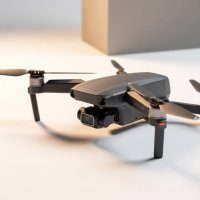
Have you ever dreamed of flying? Not in a plane, but soaring through the air like an eagle, banking around trees, and skimming over rooftops with an unparalleled sense of freedom. This isn’t science fiction; it’s the breathtaking reality of flying a VR drone. This technology puts you directly in the cockpit, offering a first-person view (FPV) that transforms drone piloting from a remote-control hobby into a deeply immersive experience. Whether you’re a curious beginner or a seasoned pilot, this guide will explore everything you need to know about stepping into the virtual sky.
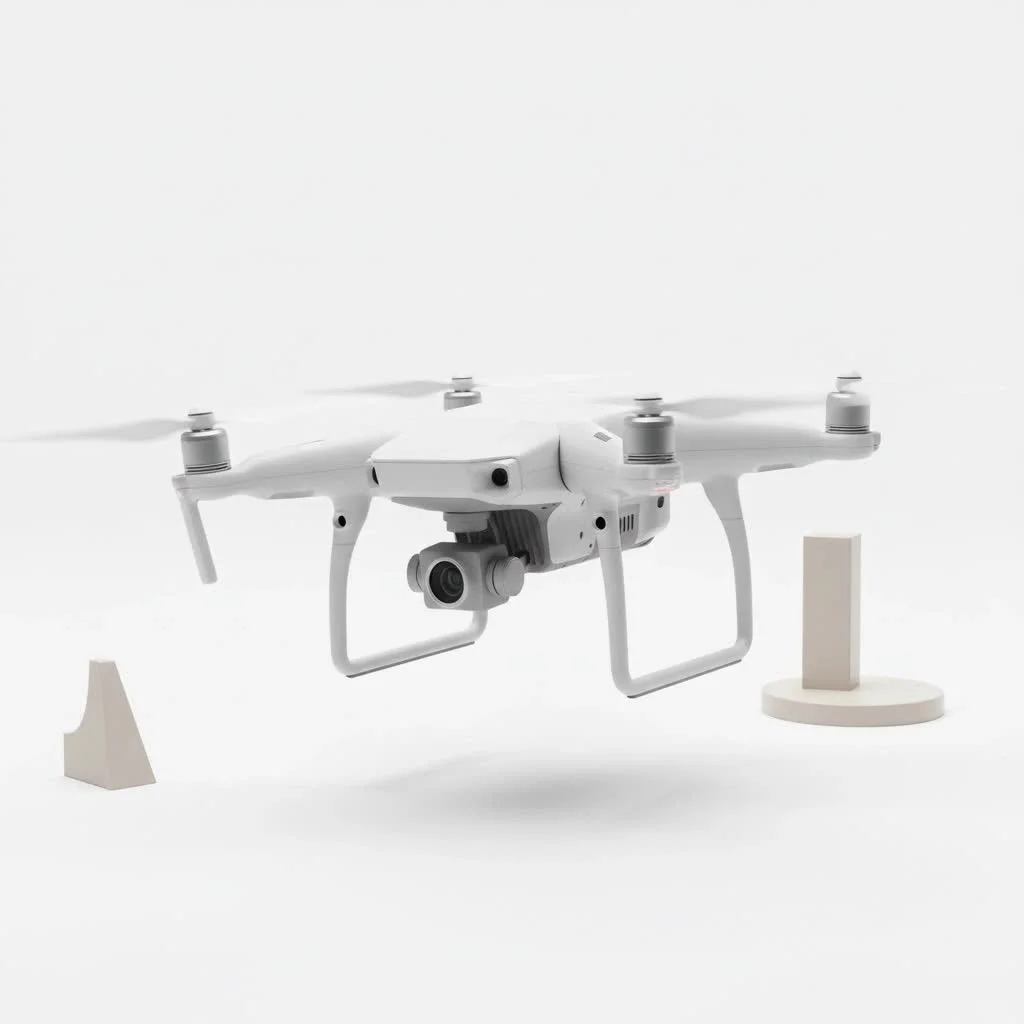
At RVSWS, we’ve spent over a decade pushing the limits of drone technology, and the rise of VR integration is one of the most exciting developments we’ve witnessed. It’s a game-changer for racing, cinematography, and pure recreational fun.
How Does a VR Drone Actually Work?
The magic behind a VR drone lies in a simple yet powerful combination of three key components: a camera on the drone, a high-speed video transmitter, and a specialized pair of goggles you wear. The drone’s camera captures live video, which is instantly transmitted to your goggles. This creates the illusion that you are sitting inside the drone itself, seeing exactly what it sees in real-time.
It’s important to clarify a common point of confusion: the terms “VR drone” and “FPV drone” are often used interchangeably. While both provide a first-person view, true VR would imply that the drone’s camera moves as you turn your head. Some advanced systems, like DJI’s Avata when paired with the Motion Controller, incorporate this head-tracking feature. However, the vast majority of what people call a VR drone experience is technically FPV, where the camera’s view is fixed forward, and you steer the drone with hand controls. For the purpose of this guide, we’ll embrace the popular term VR drone to cover this entire immersive category.
Getting Started with VR Drone Flying: The Essential Gear
Jumping into the world of VR drones might seem complex, but the hardware boils down to three core items. Understanding each one will help you make the right choices for your budget and skill level.
The Drone Itself
Your aircraft is the heart of the setup. Drones suitable for VR flying range from beginner-friendly, all-in-one kits to fully custom-built racing machines.
- Ready-to-Fly (RTF) Kits: These are the best entry point for beginners. Brands like DJI have dominated this space with products like the DJI FPV and DJI Avata. These kits come with the drone, goggles, and controller, all pre-configured to work seamlessly together.
- Bind-and-Fly (BNF) Drones: These drones come fully assembled but without a controller or goggles. This is a great option if you want to select your own high-end goggles or use a controller you already own.
- Custom Builds: For the true enthusiast, building a drone from scratch offers complete control over every component, from the motors and frame to the flight controller and camera. This path requires more technical knowledge but results in a highly personalized and optimized machine.
The Goggles (Your Window to the Sky)
|
Our Picks for the Best Drone in 2026
As an Amazon Associate I earn from qualifying purchases.
|
||
| Num | Product | Action |
|---|---|---|
| 1 | DJI Neo Three-Battery Combo, Mini Drone with 4K UHD Camera for Adults, 135g Self Flying Drone that Follows You, Palm Takeoff, Subject Tracking, QuickShots, Stabilized Video (Controller-Free) |

|
| 2 | DJI Neo, Mini Drone with 4K UHD Camera for Adults, 135g Self Flying Drone that Follows You, Palm Takeoff, Subject Tracking, QuickShots, Stabilized Video, Built-In Propeller Guard (Controller-Free) |
|
| 3 | DJI Mini 3 Fly More Combo (DJI RC), Drones with Camera for Adults 4K, 3 Batteries for 114-min Flight Time, Vertical Shooting, 32800ft (10km) Video Transmission, Lightweight Mini Drone for Beginners |
|
| 4 | LỖI |
|
| 5 | Drone with 1080P Camera for Beginners and Adults, Foldable Remote Control Quadcopter with Voice Control, Gestures Selfie, Altitude Hold, One Key Start, 3D Flips, 2 Batteries, Toy for Beginners |
|
| 6 | Drone with Camera - Drones for Adults, with 2 Batteries, Carrying Case, Propellers, 1080P HD Foldable Drone with Stable Hover, Trajectory Flight, Gravity Control, One Key Take Off/Land, 3D Flip |
|
| 7 | Drone with Camera 1080P HD FPV Foldable Drone for Adults and Beginners, RC Quadcopter with Gravity Control, One Key Take Off/Land, Optical Flow Positioning, 360° Flip, 3 Speed Mode, Waypoint Fly Grey |
|
| 8 | DJI Mini 3 (DJI RC), Lightweight 3x Mechanical Gimbal Drones with Camera for Adults 4K, 38-min Flight Time, up to 32800ft (10km) Video Transmission, Vertical Shooting, GPS Auto Return Integrated |
|
| 9 | DJI Mini 5 Pro Fly More Combo with DJI RC 2, Drone with Camera, 1-Inch CMOS, 4K Drone for Beginners with Omnidirectional Obstacle Sensing, ActiveTrack 360°, 225° Gimbal Rotation, 3 Batteries |
|
| 10 | Drone with Camera for Adults, 2K HD FPV Drones with Upgrade Altitude Hold, One-Key Take Off/Landing, Speed Adjustment, Headless Mode, 2 Batteries, Toys Gifts for Teen Boys Girls, Beginner |
|
Your FPV goggles are arguably the most critical part of the VR flight experience. Poor-quality goggles with low resolution or high latency (delay) can ruin the immersion and make flying difficult.
- Resolution: Higher-resolution screens provide a clearer, more detailed picture, making it easier to spot obstacles.
- Field of View (FOV): A wider FOV offers a more immersive, panoramic view, while a narrower FOV can feel more focused.
- Latency: This is the delay between the drone’s camera and your goggles. For fast-paced flying, a latency below 30 milliseconds is crucial for responsive control.
The Controller
The controller is your physical connection to the drone. Traditional dual-stick controllers are standard, offering precise control over the drone’s pitch, roll, yaw, and throttle. However, innovative motion controllers are emerging. These allow you to fly the drone more intuitively by simply tilting your hand, which can be a more natural starting point for absolute beginners.
Is Flying a VR Drone Hard for Beginners?
Flying a VR drone is a different skill than flying a standard drone using your phone or a screen on the controller. The first-person perspective is exhilarating but can also be disorienting at first.
“The learning curve for VR drone flying is real, but it’s also incredibly rewarding. The key is to respect the process. Start in a flight simulator to build muscle memory without risking your equipment. When you do fly for real, find a wide-open field, free of people and obstacles, and just practice basic maneuvers. Before you know it, that initial disorientation will transform into pure exhilaration.”
– Marcus Thorne, Lead RVSWS Drone Technician
Here are a few tips to ease your transition:
- Use a Simulator: FPV flight simulators like Liftoff or DRL Sim are invaluable tools. You can connect your actual drone controller to your computer and practice for hours without consequence.
- Start Slow: Resist the temptation to fly at full speed immediately. Begin in a stabilized flight mode, which often limits speed and provides altitude assistance.
- Find Open Space: Your first flights should be in a large, open area. A park or an empty field is perfect. This gives you plenty of room for error.
Top VR Drone Picks for Every Skill Level
Choosing the right VR drone depends on your goals and budget. Here’s a quick comparison of popular options.
| Model | Best For | Key Features | Price Range |
|---|---|---|---|
| DJI Avata | Beginners / Cinematics | Cinewhoop design (ducted propellers), intuitive Motion Controller, excellent image quality, robust safety features. | $$$ |
| Emax Tinyhawk Series | Budget Beginners | Small, durable, and inexpensive. A great way to learn the basics of FPV flight indoors or in a backyard. | $ |
| iFlight Nazgul Evoque | Intermediate / Freestyle | A popular pre-built freestyle drone known for its power, durability, and high-performance components. | $$ |
| Custom Build | Advanced / Racing | Unlimited customization for pilots who want to fine-tune every aspect of their drone’s performance for racing or freestyle. | $ – $$$$ |
Safety and Regulations: Flying Your VR Drone Responsibly
The immersive nature of VR flying presents unique safety challenges. Because your vision is completely occupied by the goggles, you are not aware of your immediate surroundings.
- Visual Line of Sight (VLOS): Aviation authorities like the FAA in the United States have strict rules about maintaining a direct visual line of sight with your drone at all times. When you’re wearing goggles, this is impossible.
- The Role of a Spotter: To fly a VR drone legally and safely in most regions, you must have a spotter with you. This person stands next to you and maintains visual contact with the drone, acting as a second pair of eyes to watch for hazards like other aircraft, people, or birds.
- Know Local Laws: Always research and understand the specific drone regulations in your city, state, and country before you fly.
FAQ: Your VR Drone Questions Answered
What is the main difference between FPV and VR drones?
While often used interchangeably, FPV (First-Person View) is the core technology that sends a live video feed from the drone to a headset. A “true” VR drone experience adds head-tracking, allowing you to control the camera’s gimbal by moving your head. Most drones in this category are FPV.
Can I use a standard VR headset like an Oculus Quest with my drone?
Generally, no. Drone FPV systems use high-frequency radio signals for low-latency video transmission. Standard VR headsets are not equipped with the necessary receivers. You need dedicated FPV goggles designed to work with drone transmitters.
How much does a good VR drone setup cost?
A complete, ready-to-fly kit for beginners, like the DJI Avata, can cost over $1,000. More budget-friendly starter kits can be found for a few hundred dollars. For high-performance custom builds, the cost can easily exceed $1,500.
What is the typical range of a VR drone?
The range depends on the video transmission system. Analog systems might have a usable range of a few hundred meters, while advanced digital systems, like DJI’s O3 Air Unit, can transmit clear video for several kilometers in ideal conditions.
Is motion sickness a common problem when flying VR drones?
Some new pilots do experience a form of motion sickness. This often happens when there’s a disconnect between the motion you see in the goggles and your body remaining stationary. Taking breaks, staying hydrated, and starting with shorter, slower flights can help you acclimate.
The Future is in First-Person
Flying a VR drone is more than just a hobby; it’s an entirely new way to interact with the world. It bridges the gap between the virtual and the real, offering a perspective that was once impossible. The technology is becoming more user-friendly and accessible every day, opening the door for anyone to experience the unparalleled thrill of flight. So, gear up, find a spotter, and get ready to see the world from a whole new point of view.
Get our weekly buyer guide
Practical specs, not advice. Unsubscribe anytime.