Getting into the world of drones can feel like a high-tech, high-cost hobby reserved for professional cinematographers and serious tech enthusiasts. But what if you could take to the skies without breaking the bank? This is where the Vivitar Drone comes in, carving out a significant niche as one of the most accessible entry points for aspiring pilots. If you’re curious about aerial photography or simply want to experience the thrill of flying, a Vivitar drone might be the perfect starting point for your journey.
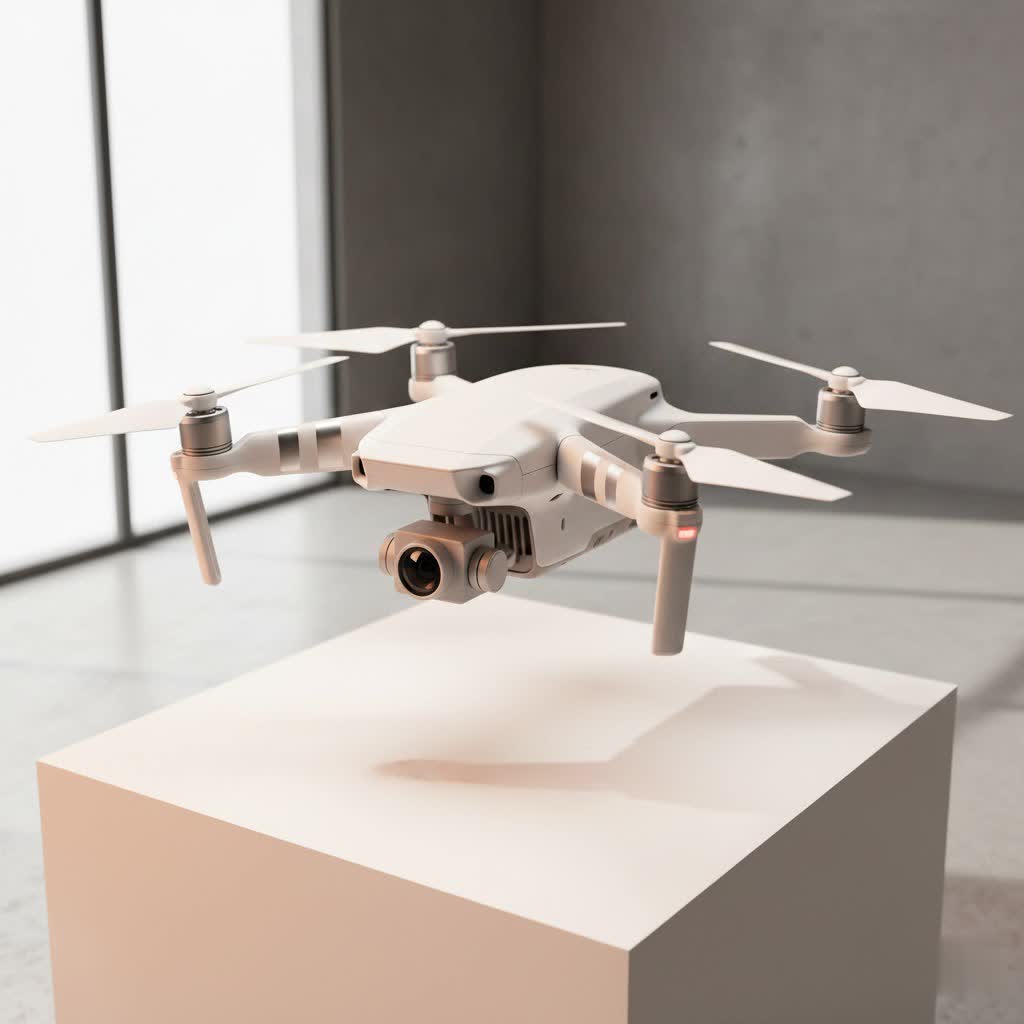
These drones are designed with simplicity and affordability in mind, making them a popular choice found on the shelves of major retailers. They offer a low-risk opportunity to learn the fundamentals of drone operation—from basic maneuvers to understanding flight dynamics—before you consider investing in more advanced, expensive equipment. As we dive deeper, we’ll explore what makes a Vivitar drone tick, who it’s best for, and how you can get the most out of your first flying machine.
What Exactly is a Vivitar Drone?
A Vivitar drone is typically a quadcopter designed and marketed for beginners, kids, and casual hobbyists. Unlike high-end brands like DJI or Autel, Vivitar focuses on the budget-friendly segment of the market. Their models are characterized by lightweight construction, straightforward controls, and a feature set that covers the basics of modern drone flight, often including built-in cameras for FPV (First-Person View) flying and simple aerial photography.
Expert Insight: According to our in-house drone specialist, David Chen, “Vivitar excels at creating a ‘no-fear’ flying experience. New pilots can crash them, learn from their mistakes, and not worry about a hefty repair bill. It’s the ideal training ground for developing the muscle memory and spatial awareness essential for flying any drone.”
These drones serve as an excellent gateway, providing just enough technology to be engaging without overwhelming the user with complex settings and features.
Common Features of Vivitar Drones
While specifications vary between models, most Vivitar drones share a common set of features tailored for ease of use:
- Built-in Camera: Most models come equipped with a camera, ranging from standard definition (480p) to high definition (720p or 1080p), allowing for basic photo and video capture.
- Wi-Fi Connectivity: This allows the drone to stream a live video feed directly to a smartphone app, enabling FPV flight.
- Headless Mode: A crucial feature for beginners, it aligns the drone’s movements to the controller’s perspective, regardless of which way the drone’s front is facing.
- One-Key Takeoff/Landing: Simplifies the most intimidating parts of flying for new users.
- Altitude Hold: Helps the drone maintain a consistent height, allowing the pilot to focus on directional control.
- 360-Degree Flips: A fun acrobatic feature that adds an element of excitement to flying.
|
Our Picks for the Best Drone in 2026
As an Amazon Associate I earn from qualifying purchases.
|
||
| Num | Product | Action |
|---|---|---|
| 1 | DJI Mini 5 Pro Fly More Combo with DJI RC 2, Drone with Camera, 1-Inch CMOS, 4K Drone for Beginners with Omnidirectional Obstacle Sensing, ActiveTrack 360°, 225° Gimbal Rotation, 3 Batteries |

|
| 2 | DJI Mini 3 Fly More Combo (DJI RC), Drones with Camera for Adults 4K, 3 Batteries for 114-min Flight Time, Vertical Shooting, 32800ft (10km) Video Transmission, Lightweight Mini Drone for Beginners |
|
| 3 | DJI Neo, Mini Drone with 4K UHD Camera for Adults, 135g Self Flying Drone that Follows You, Palm Takeoff, Subject Tracking, QuickShots, Stabilized Video, Built-In Propeller Guard (Controller-Free) |
|
| 4 | DJI Mini 3 (DJI RC), Lightweight 3x Mechanical Gimbal Drones with Camera for Adults 4K, 38-min Flight Time, up to 32800ft (10km) Video Transmission, Vertical Shooting, GPS Auto Return Integrated |
|
| 5 | DJI Neo Three-Battery Combo, Mini Drone with 4K UHD Camera for Adults, 135g Self Flying Drone that Follows You, Palm Takeoff, Subject Tracking, QuickShots, Stabilized Video (Controller-Free) |
|
| 6 | Drone with 1080P Camera for Beginners and Adults, Foldable Remote Control Quadcopter with Voice Control, Gestures Selfie, Altitude Hold, One Key Start, 3D Flips, 2 Batteries, Toy for Beginners |
|
| 7 | Drone with Camera - Drones for Adults, with 2 Batteries, Carrying Case, Propellers, 1080P HD Foldable Drone with Stable Hover, Trajectory Flight, Gravity Control, One Key Take Off/Land, 3D Flip |
|
| 8 | Drone with Camera 1080P HD FPV Foldable Drone for Adults and Beginners, RC Quadcopter with Gravity Control, One Key Take Off/Land, Optical Flow Positioning, 360° Flip, 3 Speed Mode, Waypoint Fly Grey |
|
| 9 | Drone with Camera for Adults, 2K HD FPV Drones with Upgrade Altitude Hold, One-Key Take Off/Landing, Speed Adjustment, Headless Mode, 2 Batteries, Toys Gifts for Teen Boys Girls, Beginner |
|
| 10 | LỖI |
|
Popular Vivitar Drone Models to Consider
Vivitar offers a range of models, but a few stand out as popular choices for newcomers. Understanding their differences can help you select the right one for your needs.
Vivitar Phoenix Foldable Drone (DRC-447)
The Phoenix is one of Vivitar’s most well-known models. Its key selling point is its foldable design, which makes it compact and easy to transport. It’s a great all-around starter drone.
- Flight Time: Approximately 10-15 minutes
- Camera: Typically 720p or 1080p HD video
- Range: Up to 1000 feet (approx. 300 meters)
- Best for: Travelers and anyone who needs a portable drone for casual use.
Vivitar Sky-View Video Drone (DRC-333)
The Sky-View is often one of the most affordable options, making it a common first drone for many people. It’s a no-frills quadcopter that delivers the core drone experience.
- Flight Time: Around 5-8 minutes
- Camera: Standard definition camera
- Range: Shorter range, typically around 200-300 feet
- Best for: Kids, absolute beginners, and indoor flying practice.
Getting Your Vivitar Drone Ready for Flight: A Checklist
Before you launch your Vivitar drone for the first time, a proper setup is crucial for a safe and enjoyable experience. Follow this pre-flight checklist every time.
- Charge the Battery Fully: A Vivitar drone battery usually takes 60-90 minutes to charge. Never fly on a partial charge, as it can lead to unexpected power loss.
- Install Propeller Guards: Especially for your first few flights, these guards will protect the propellers (and your walls) from damage during a crash.
- Calibrate the Gyroscope: This is a vital step. Place the drone on a flat, level surface and follow the manual’s instructions for calibration. This ensures the drone remains stable in the air.
- Download the App: Find the correct Vivitar app for your drone model on the iOS App Store or Google Play Store to use the FPV feature.
- Connect to Wi-Fi: Power on the drone and connect your smartphone to the Wi-Fi network it generates.
- Understand the Controller: Familiarize yourself with the controls. The left stick typically controls altitude and rotation (yaw), while the right stick controls forward, backward, and side-to-side movement (pitch and roll).
- Check Your Surroundings: Choose a large, open area away from people, trees, and power lines. Avoid windy conditions, as lightweight drones like Vivitar models are easily affected by gusts.
How to Fly a Vivitar Drone Safely and Effectively
Once you’re set up, it’s time to fly. The key is to start slow and build your confidence with basic maneuvers.
Your First Flight
For your initial flight, focus on the fundamentals. Use the one-key takeoff feature to get the drone into the air. Let it hover for a few moments using altitude hold. Practice gently moving the right stick to see how the drone responds. Get a feel for its sensitivity before attempting any fast movements.
Mastering Basic Maneuvers
- Hovering: The most fundamental skill. Try to keep the drone in one spot.
- The Box Pattern: Practice flying the drone in a square shape, first away from you and then with the drone facing different directions.
- Circles: Once you’re comfortable with squares, try flying in smooth circles.
Remember, practice makes perfect. Don’t be discouraged by a few crashes. The durable, lightweight design of a Vivitar drone is meant to withstand the learning curve.
Common Vivitar Drone Problems and How to Fix Them
Even with simple drones, you might encounter a few issues. Here are solutions to some common problems.
- Drone Won’t Connect to Phone: Ensure you are connected to the drone’s specific Wi-Fi network and not your home Wi-Fi. Close and reopen the app.
- Drifting in One Direction: This is usually a calibration issue. Recalibrate the gyroscope on a perfectly flat surface. You can also use the “trim” buttons on the controller to make micro-adjustments and counteract the drift.
- Short Battery Life: This is a known limitation of budget drones. A 5-10 minute flight time is standard. The best solution is to purchase extra batteries so you can swap them out for longer flying sessions.
- Video Feed is Laggy: Wi-Fi FPV can have latency. Ensure you are within the recommended range and there is minimal Wi-Fi interference in the area.
Is a Vivitar Drone the Right Choice for You?
A Vivitar drone is not designed to compete with high-end photography platforms. Its purpose is to provide an affordable, fun, and educational introduction to the world of drones.
You should consider a Vivitar drone if:
- You are a complete beginner and want to learn the basics.
- You are buying a drone for a child or teenager.
- You want a low-cost “toy” drone for casual fun without a significant investment.
- You need a practice drone to hone your skills before upgrading.
You might want to look elsewhere if:
- You need high-quality, stable aerial photos and videos.
- You require advanced features like GPS, obstacle avoidance, or long flight times.
- You plan to fly in windy or challenging weather conditions.
Ultimately, the Vivitar drone serves its purpose exceptionally well. It demystifies drone flying and puts the joy of flight within everyone’s reach. It’s the perfect first step on a larger aerial adventure, giving you the confidence and skills needed to eventually pilot whatever drone you set your sights on next.
